
Terminal with tabs and splits
SwiftTerm engine, xterm-compatible: unlimited tabs, horizontal and vertical panes, scrollback search, your font, color palettes, renameable tabs and per-host colors so production looks like production.
Tabbed and split terminal, saved hosts with keys and 2FA, multi-hop bastions, port forwarding and SFTP on the very same connection. Written in Swift and SwiftNIO — no Electron, no account, no telemetry.
Version 1.2 · see what’s new

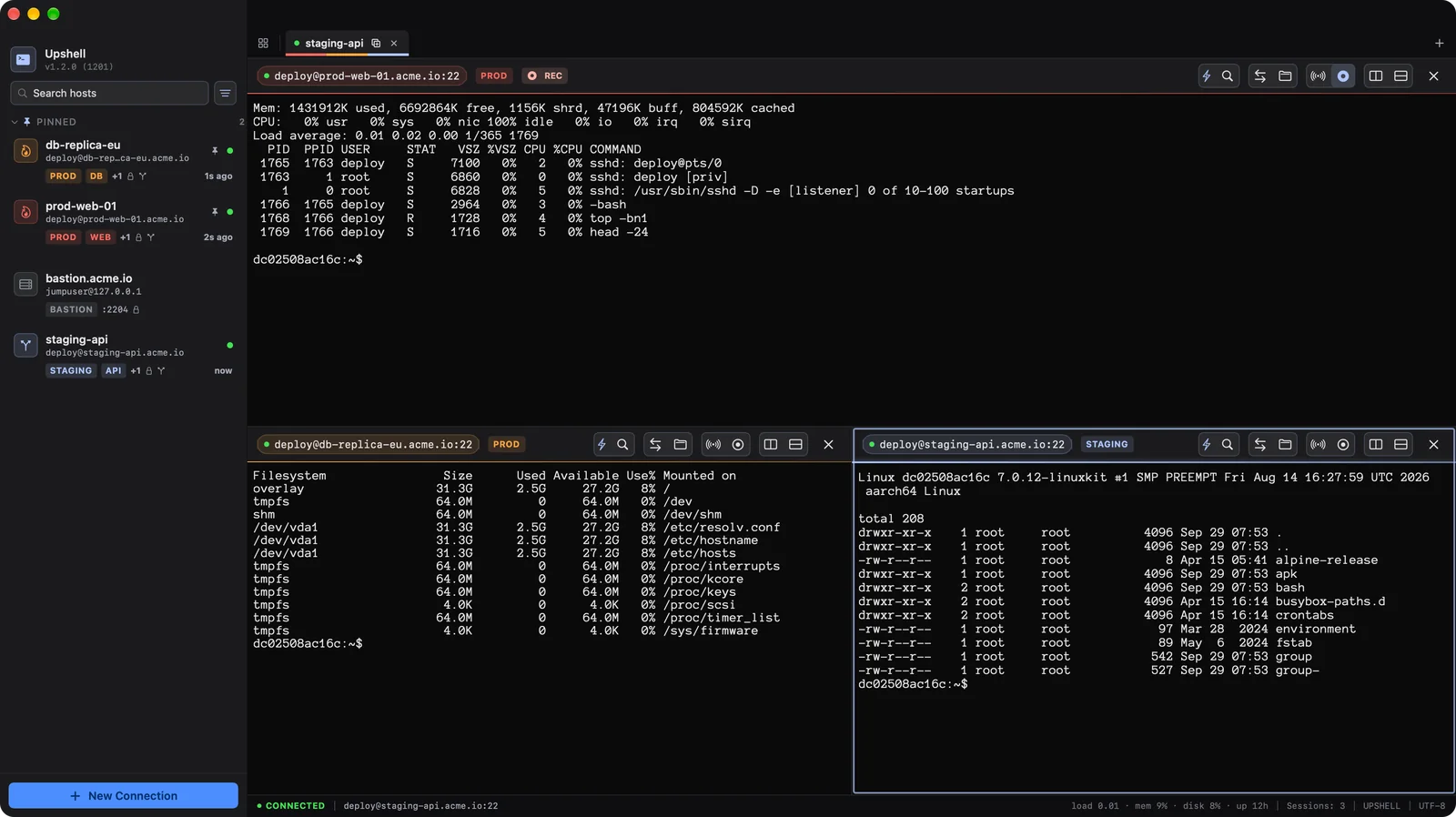
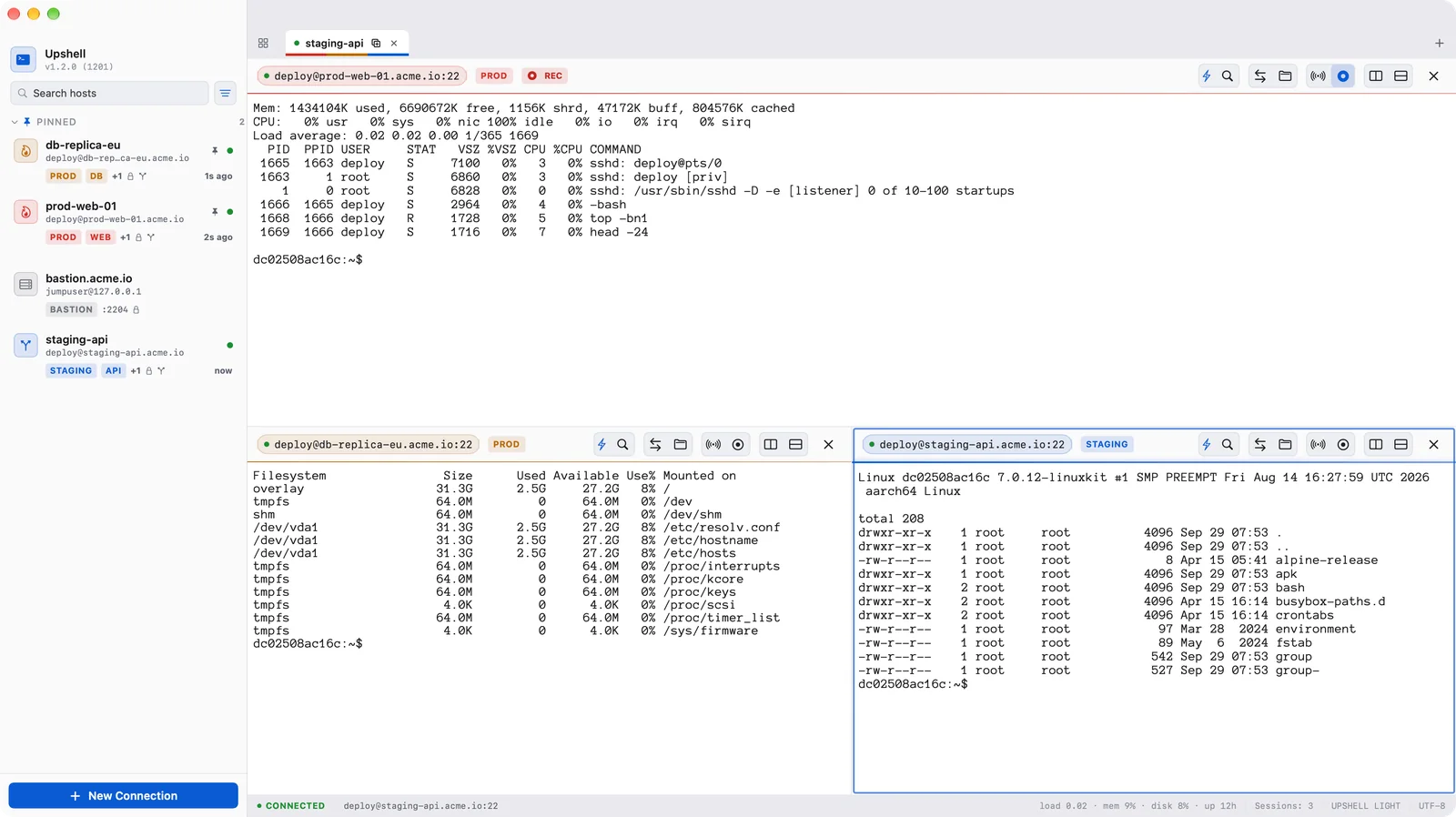
Hosts, terminal, tunnels and files in a single app — with the authentication your servers actually ask for, from private keys to one-time codes.
SwiftTerm engine, xterm-compatible: unlimited tabs, horizontal and vertical panes, scrollback search, your font, color palettes, renameable tabs and per-host colors so production looks like production.
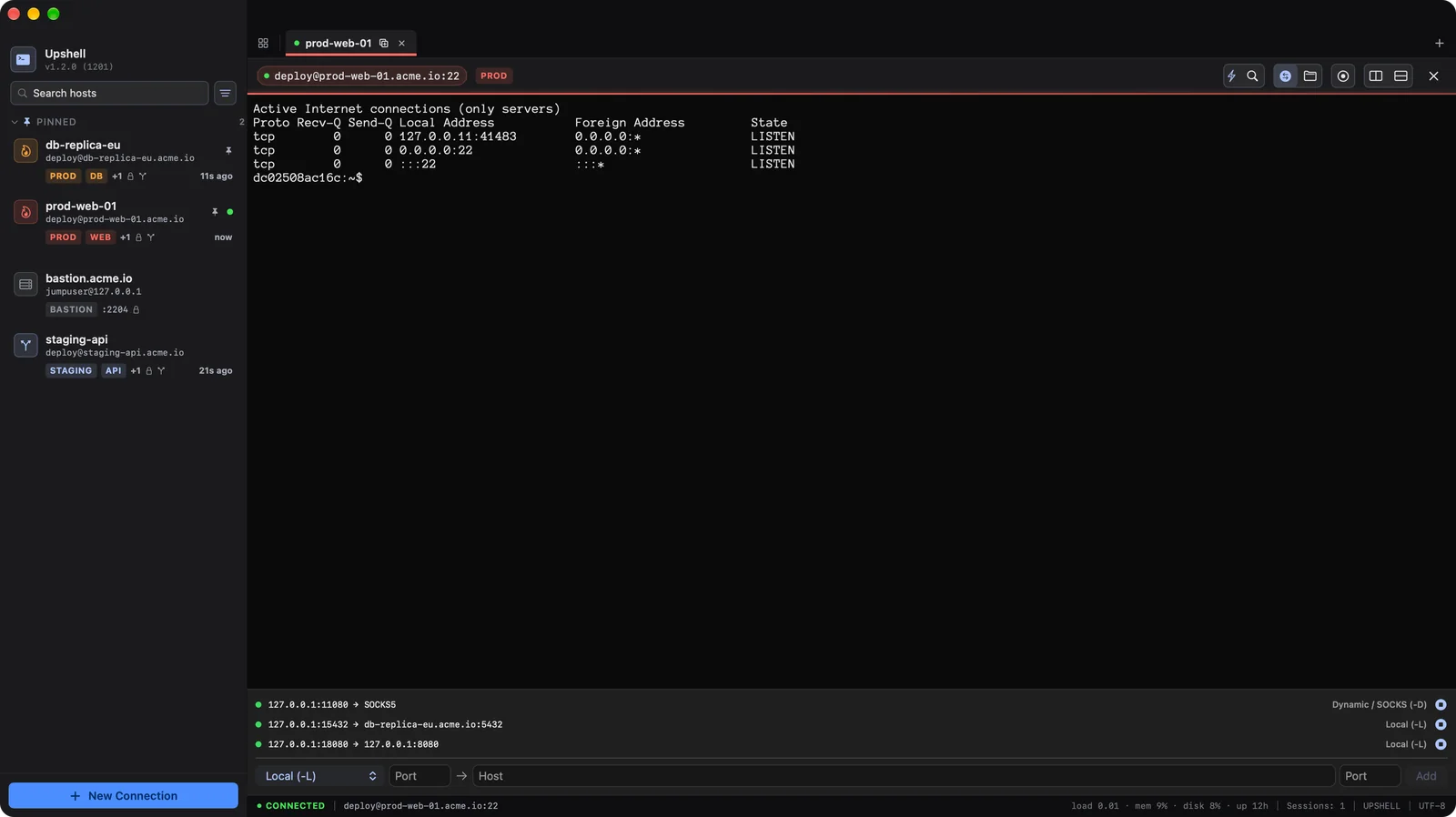
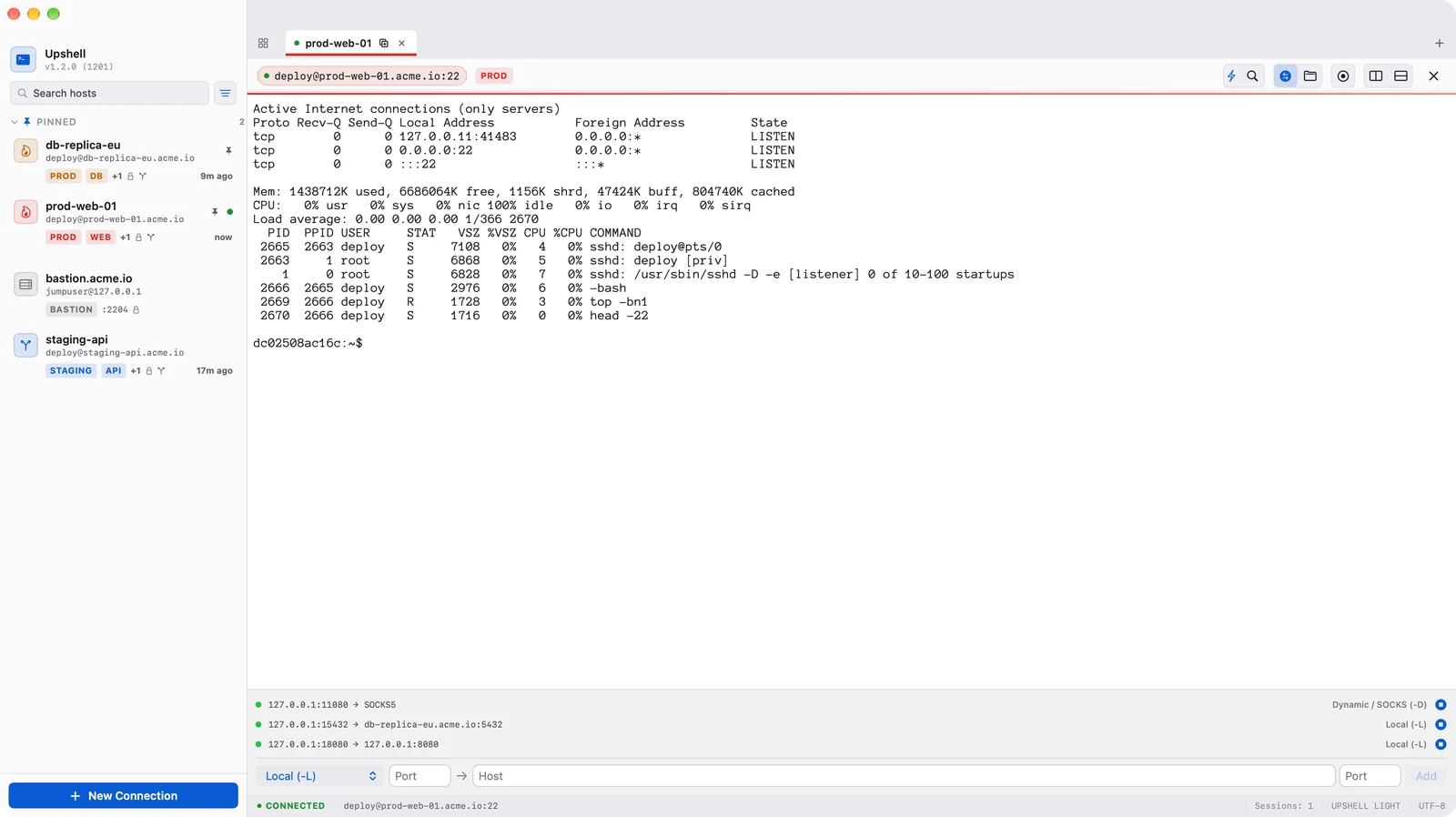
Local (-L), remote (-R) and dynamic SOCKS5 (-D) forwarding with a live rules panel, plus ProxyJump chains up to 8 hops — each hop authenticated and host-key-verified on its own.
Browse, upload, download, rename and set permissions with a visual chmod grid, preview remote files with Quick Look, and follow a transfer queue you can pause and resume — all on the SSH connection you already opened.
Passwords and passphrases live in the macOS Keychain. Private keys never leave your Mac. Every host key is pinned on first use (TOFU) and a change stops the connection.
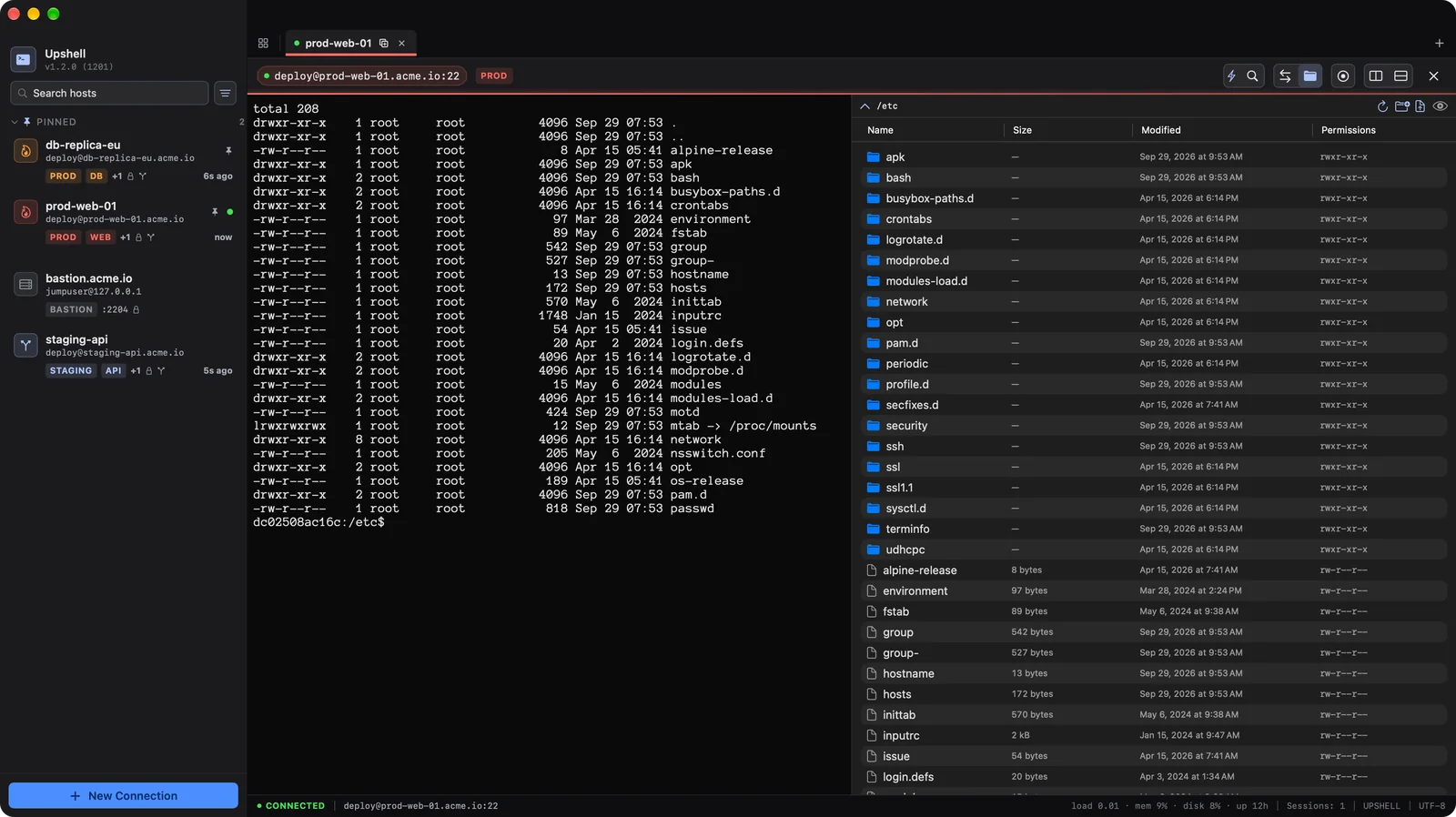
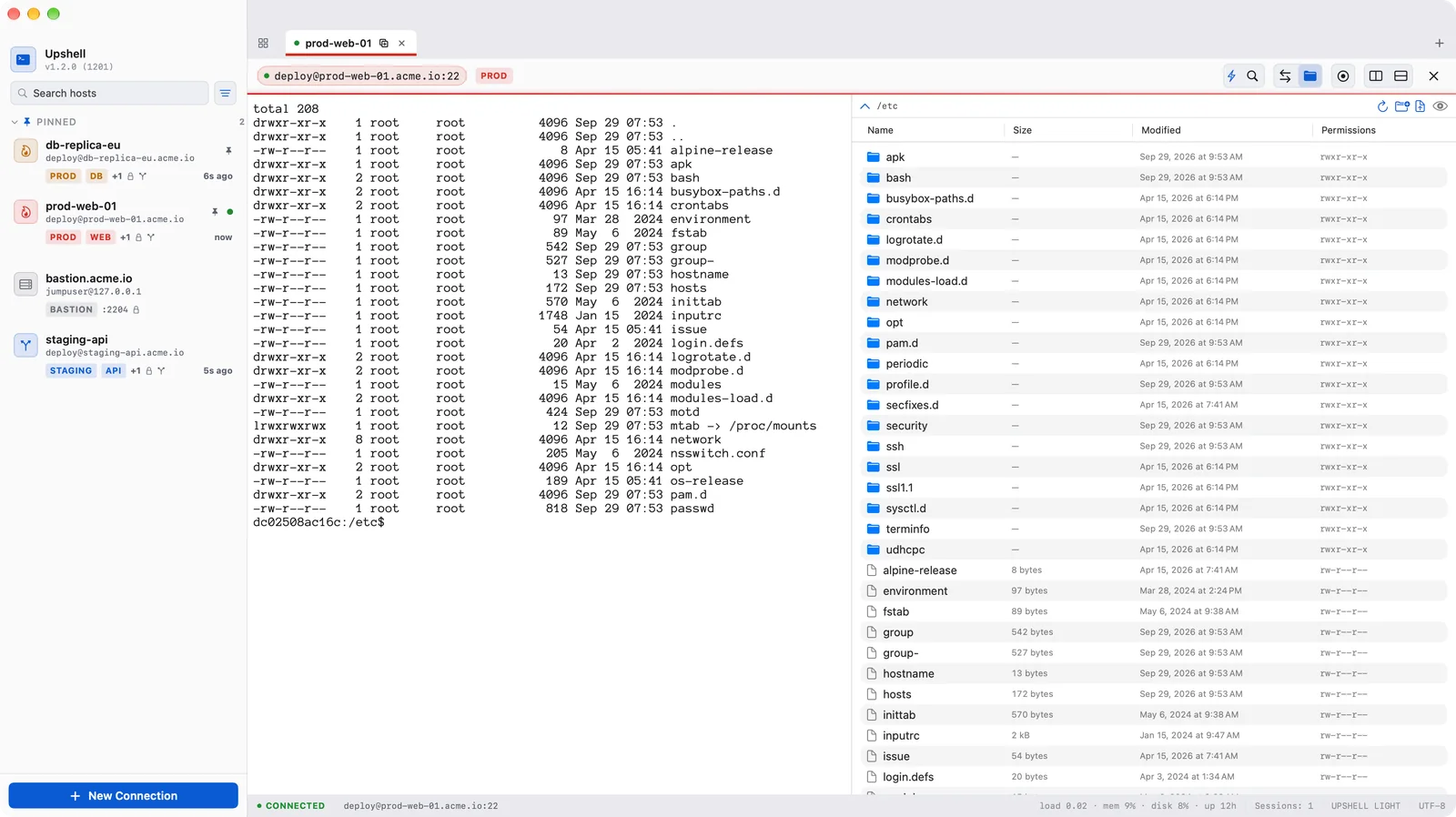
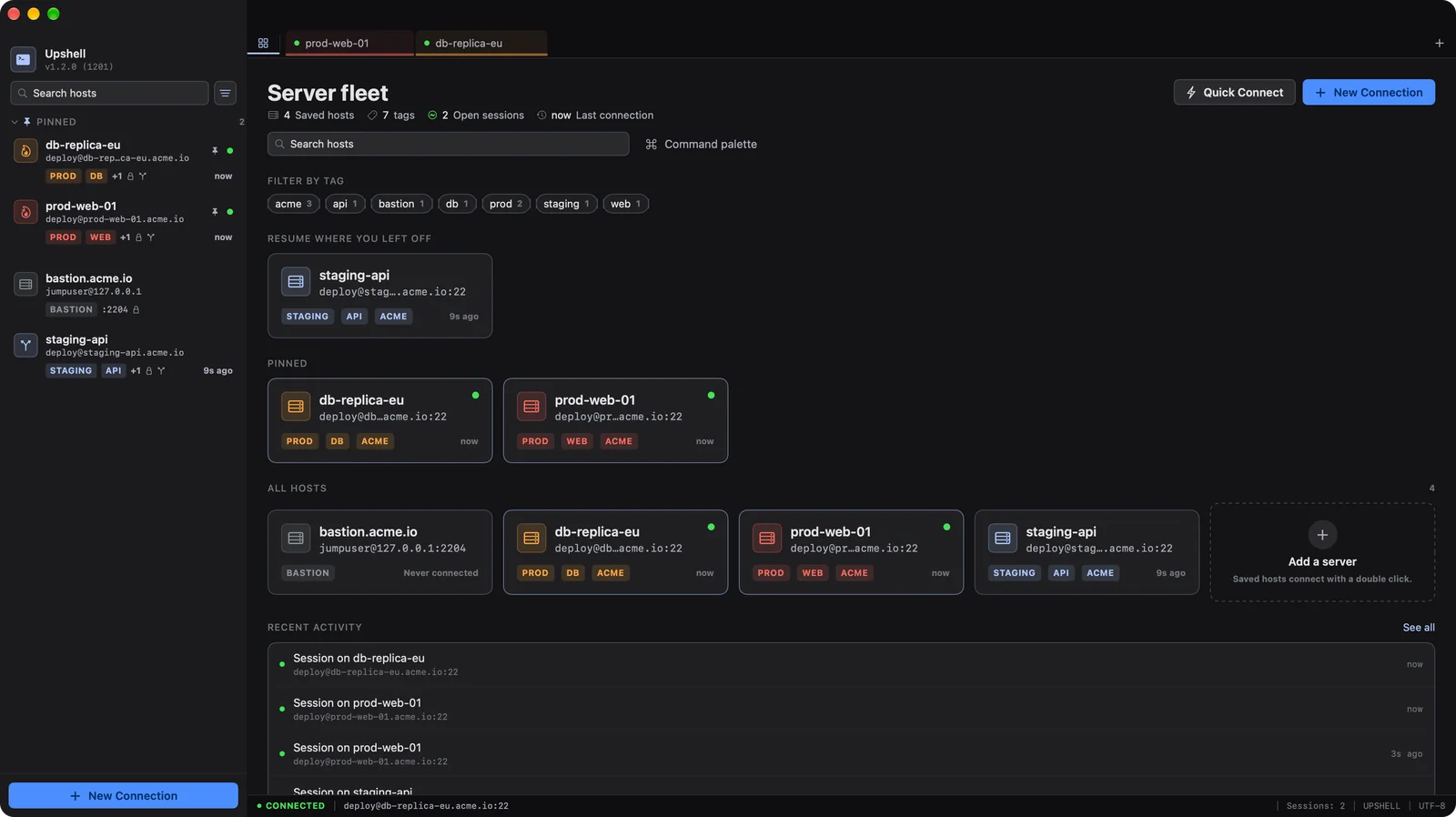
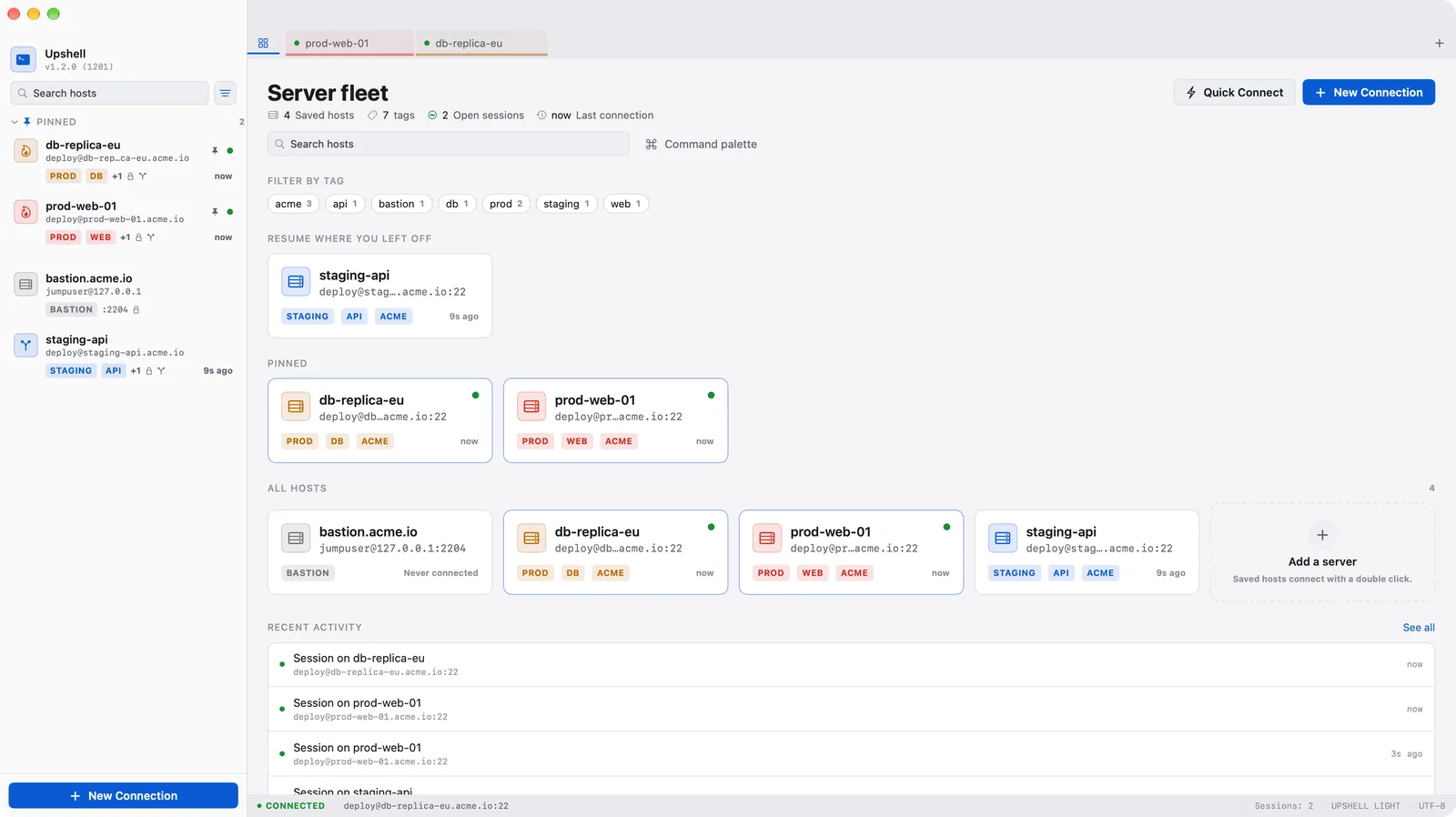
Multi-tab terminal with splits, host and key manager, tunnel panel, bastion chains, saved snippets and a visual file browser.
Open as many terminal tabs as you need and split them horizontally or vertically. The geometry is yours: split fractions stay exactly where you drag them, even when a session connects, and a colored bar under each tab tells you which environment you are on.
Reach internal hosts through multiple SSH jump servers. Up to 8 hops supported natively, resolving inline usernames and ports. Credentials for each hop authenticate separately, and host key fingerprints are verified end-to-end for every single hop.
Enabling agent forwarding should not be a security risk. Upshell runs a private, in-process agent that only signs inside the app. Your private keys never leave your Mac, the agent is gated per host — never globally — and only the last hop of a jump chain can ever ask for a signature.
Open a visual file browser next to your terminal session. Drag files in to upload, download with progress, preview with Quick Look, and change permissions with a visual chmod grid — all on the same connection, with zero secondary logins.
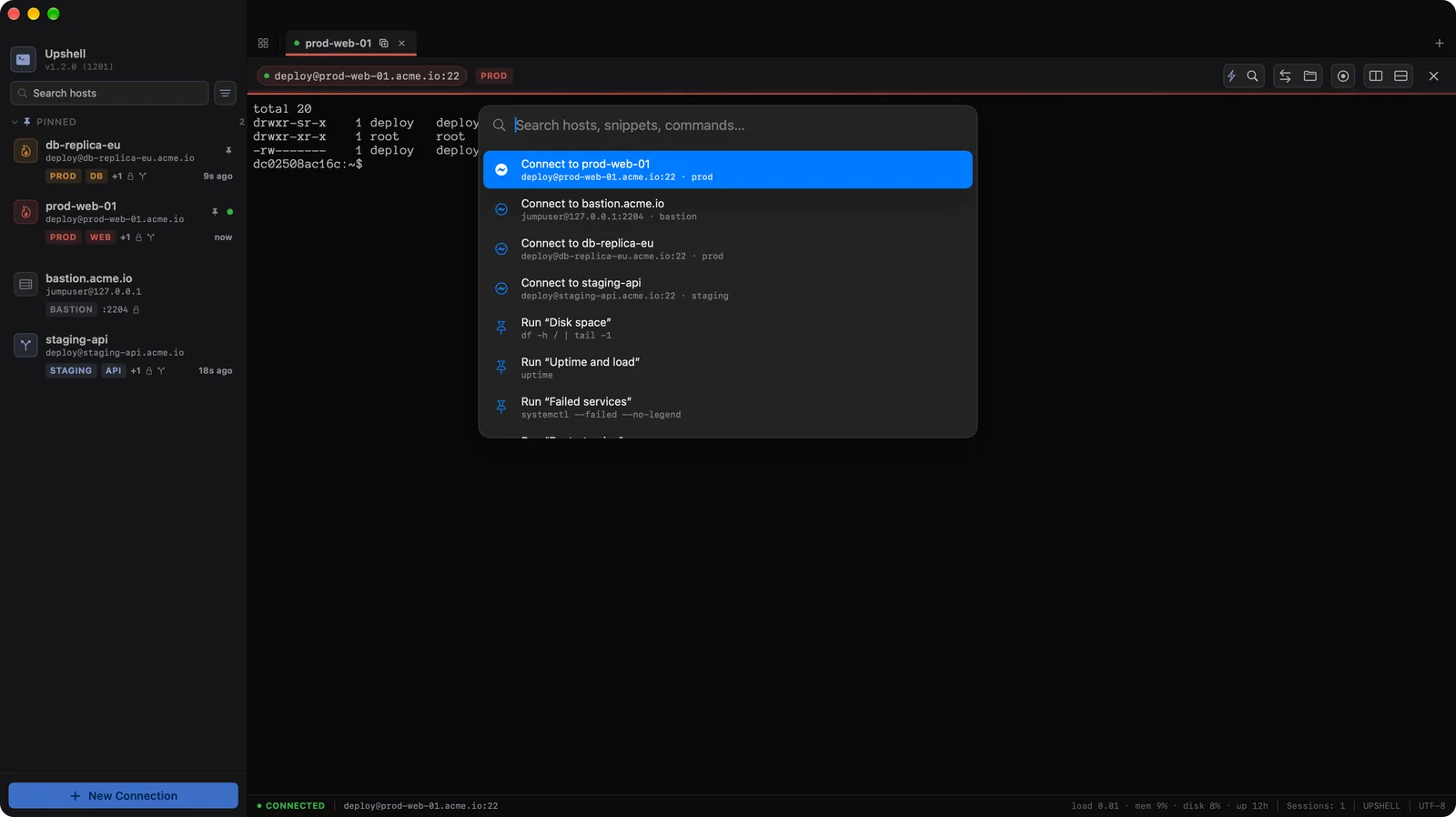
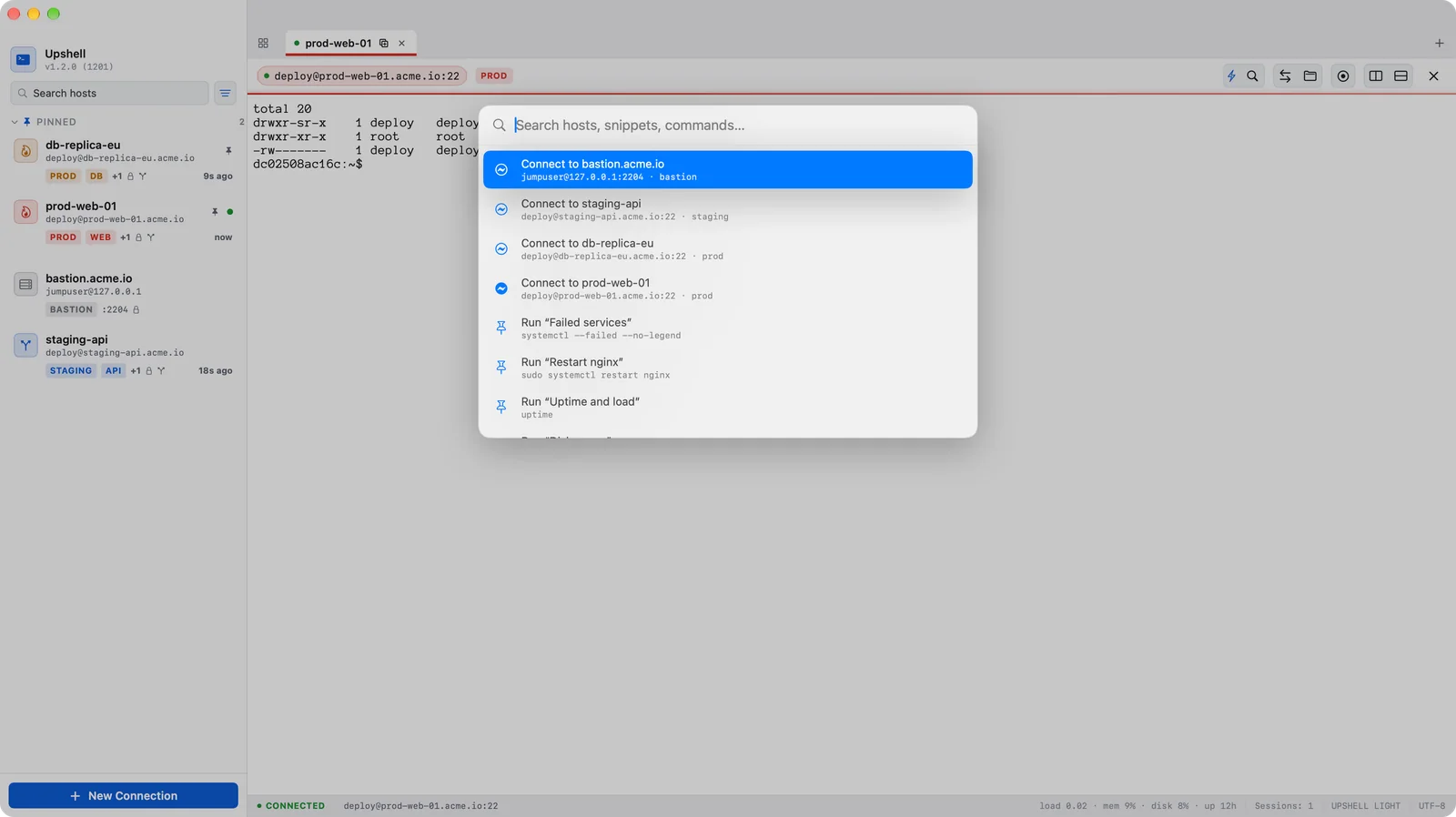
Press ⌘K, type a few letters, and fuzzy search finds your saved hosts, snippets, active forwards or settings. Arrow keys and Escape are captured before the shell sees them, so you can run any action without touching the mouse.
Dozens of small decisions that add up to a client you actually enjoy using.
Passwords and passphrases live in the macOS Keychain, never in plain text on disk.
Preview a remote file with the spacebar — no download, no detour.
Full keyboard-interactive support, multi-round challenges included.
Hosts, tags, open sessions, last connection and recent activity — real numbers only, no invented metrics.
A dropped network comes back on its own — and never retries after a rejected password or a changed host key.
Filter hosts, files and scrollback as you type, and reach any of them from ⌘K.
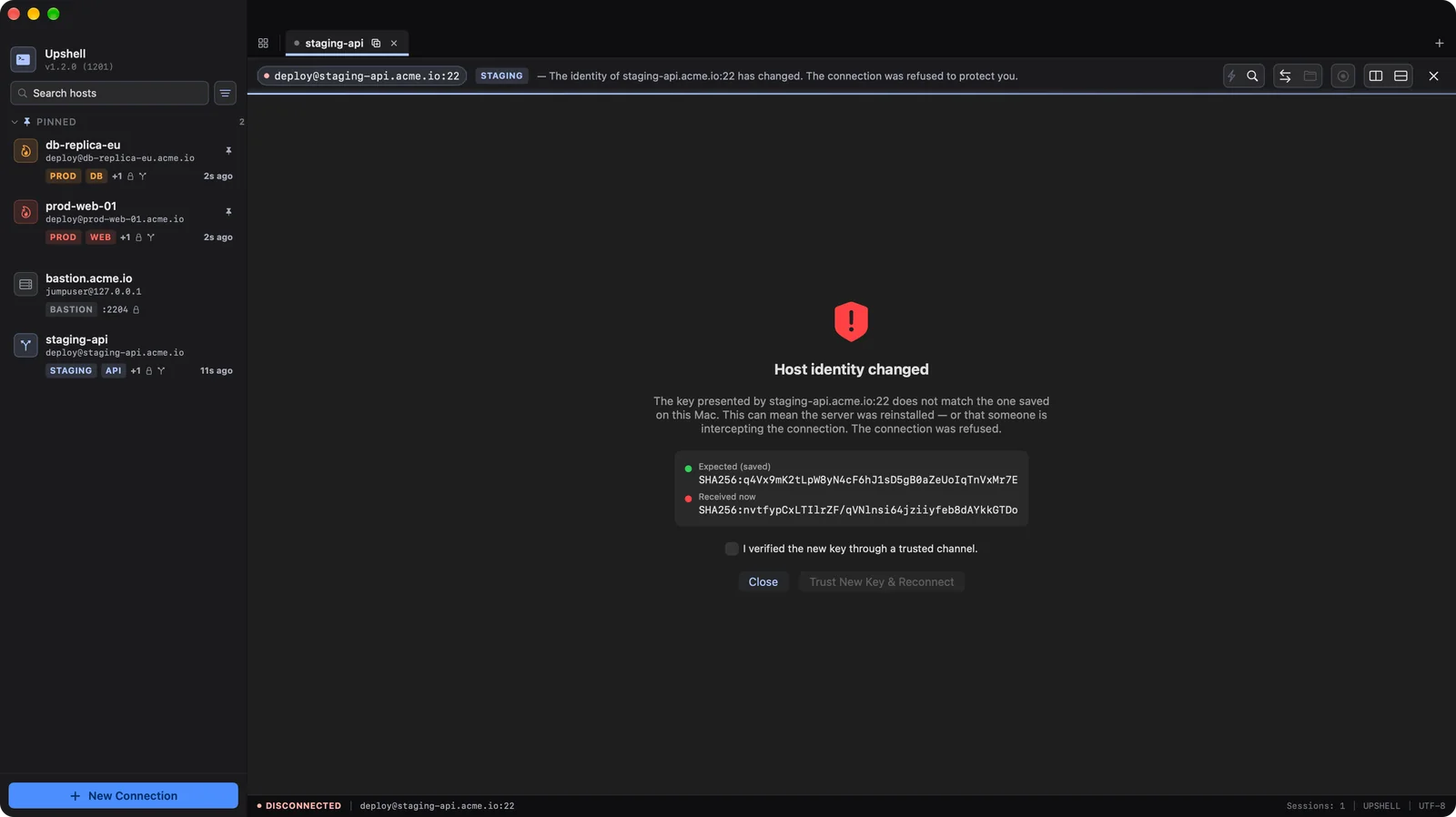
Refused, DNS, timeout, unreachable: Upshell names the cause and what to check, keeping the technical text one click away.
Your hosts sit in the menu bar. One click connects and brings the window forward.
Generate ed25519 keys, import ECDSA and encrypted keys, and keep every passphrase in the Keychain.
Free: hosts, ports, users, ProxyJump and tunnels come across — with a preview of the plan before anything is written.
Local, remote and dynamic SOCKS5 tunnels, with a panel showing every active rule.
Two or more terminals side by side in one tab, with proportions that stay exactly where you drag them.
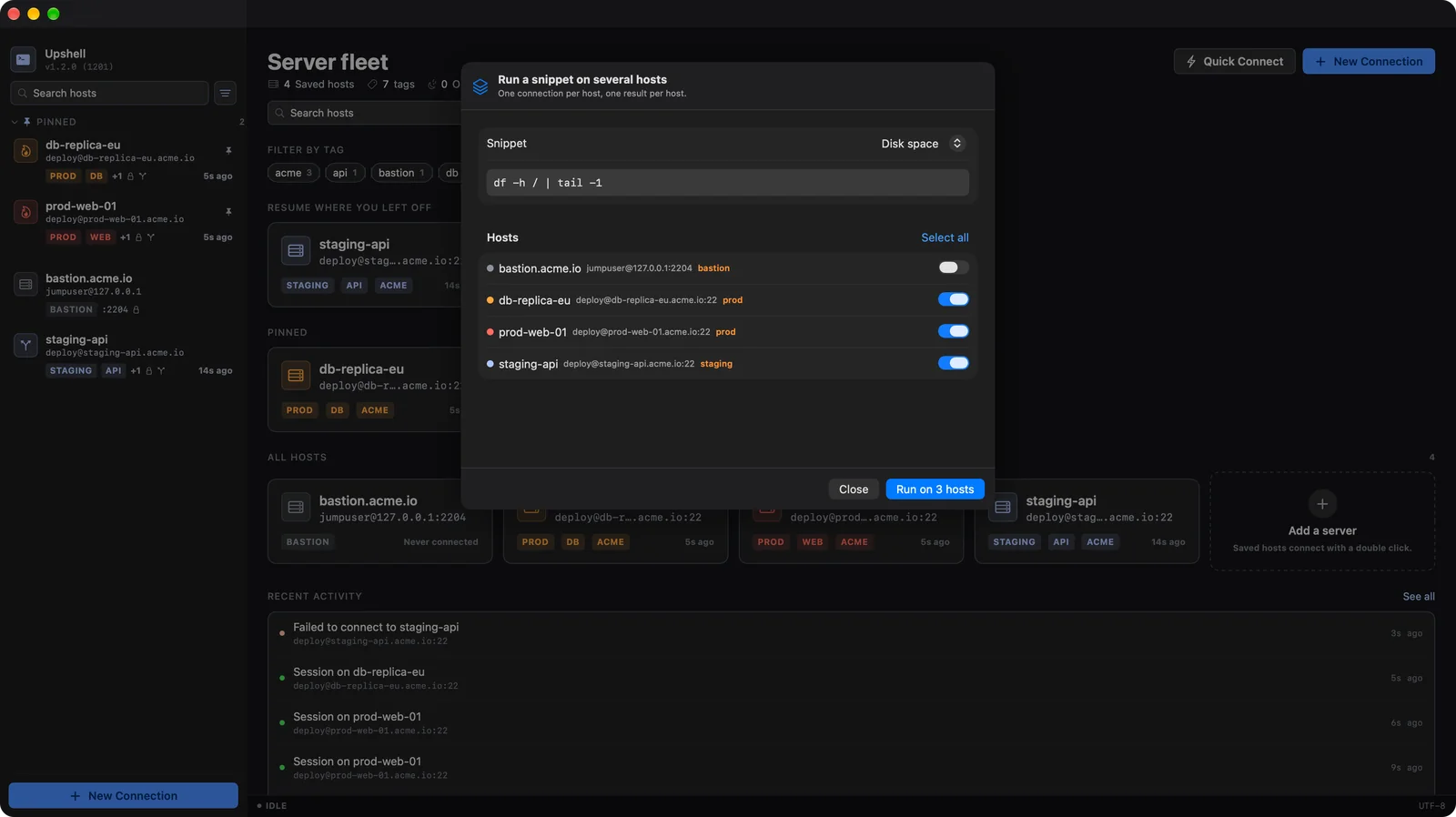
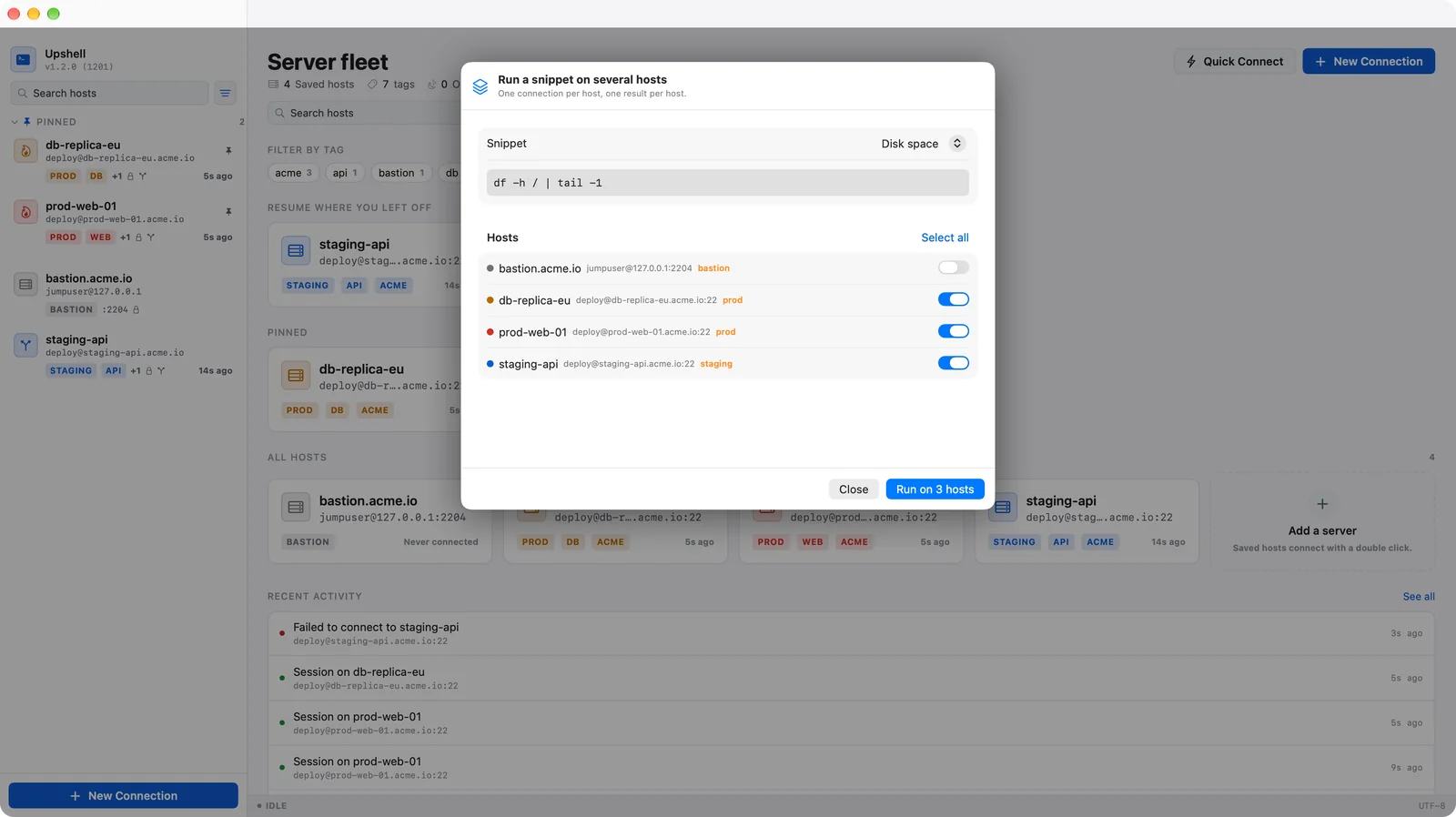
Store the commands you retype and run them in the focused session — globally or only on the hosts you choose.
Every session recorded with duration, bytes and outcome — and never a line of terminal output inside it.
Hosts and snippets follow you across your Macs via CloudKit, credentials via iCloud Keychain.
Give production its own palette and tab color, so you see where you are before you press Enter.
Reach machines that only answer through a bastion, up to 8 hops, each one verified separately.
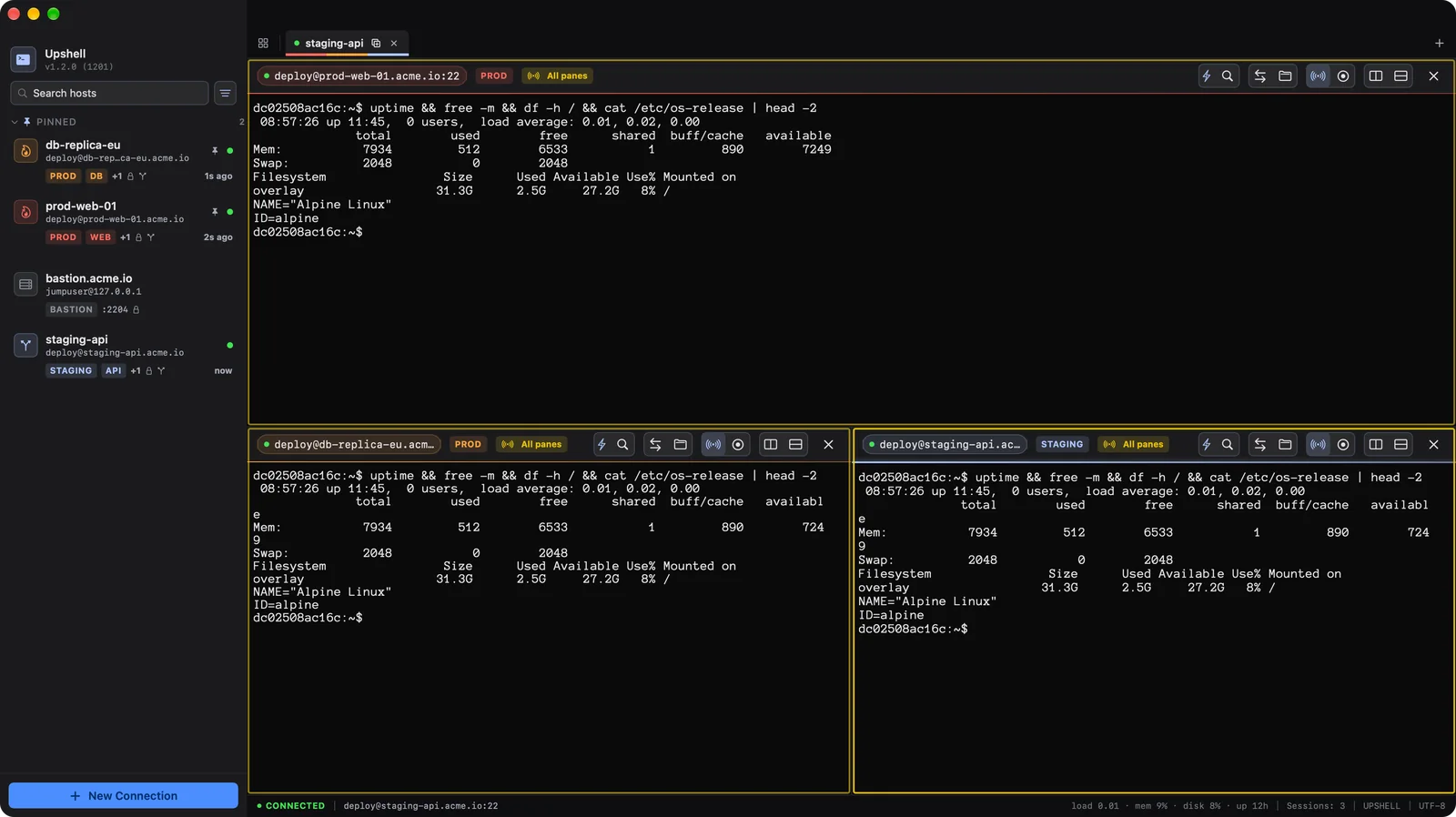
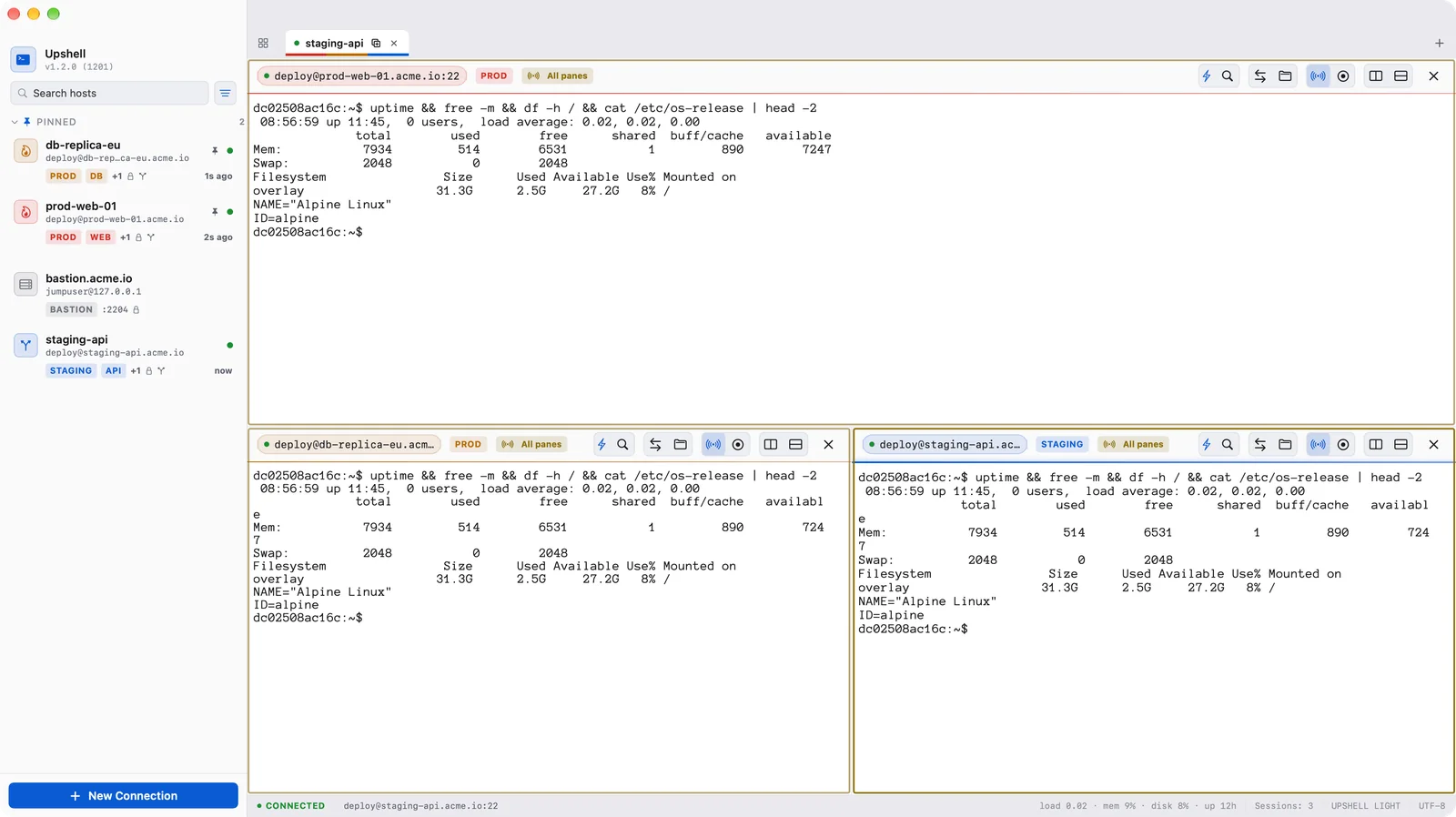
Type once, and every connected pane of the tab receives it — update ten servers the way you'd update one.
Save a session as an asciinema file you can replay, or as clean text for a ticket. Only output is recorded, never what you type.
Load, memory, disk and uptime of the server you're on, in the status bar — measured by the server itself.
Run a command on a saved host from the Shortcuts app and use its output in your automations.
Open a server file in BBEdit, VS Code or any editor you already use. Save, and it goes back up on its own.
Links like ssh://user@host from a browser or a wiki open in Upshell and connect to the matching host.
Connecting, authenticating and verifying host keys are free and will stay free. Upshell runs inside Apple's App Sandbox and treats your servers and credentials the way a native Mac app should.
The app is fully sandboxed per Apple's guidelines, and every password lives in the system Keychain — never in plain text.
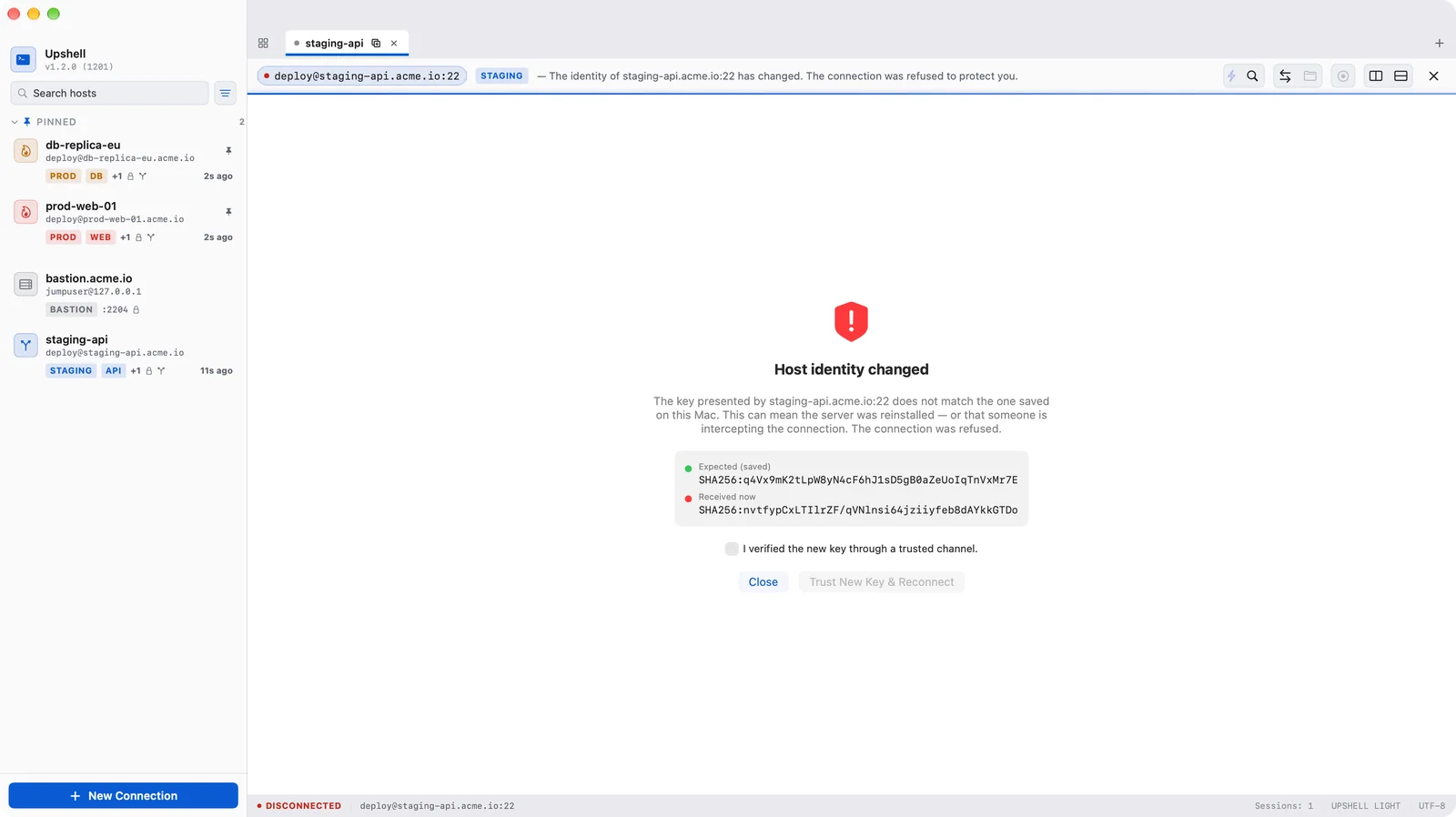
Host keys are pinned on first use in a known-hosts store. If a fingerprint changes, Upshell stops and blocks the connection to protect you from MITM — and never retries it automatically.
There's no Upshell login, no telemetry, and no analytics harvesting your activity. Your hosts, keys and files are yours.
ed25519 and ECDSA keys — encrypted ones included — are read locally and used only to sign an authentication. They are never uploaded, copied or shared, and the built-in agent signs inside the app.
From managing production clusters to homelab tinkering, Upshell fits the way you work.
Manage fleets of servers, ProxyJump through bastions, run snippets on many hosts, and keep port forwards under control.
Open tabs and splits, tail logs and deploy, and browse or upload remote files over SFTP on the same connection.
Save credentials securely in the Keychain, import your ssh config, and connect with a single click.
Organize saved hosts with tags and environment colors, and sync them across all your Macs through iCloud.
Coming from another client or from the raw terminal? Upshell imports your whole server list so you don't retype a single host, port or username.
Point Upshell at your ~/.ssh/config.
Review the import plan line by line — created, updated, duplicate or skipped, with the reason. Nothing is written before you confirm.
Add passwords to the Keychain or pick your SSH private key, and you're connected.
Connecting, authenticating and verifying host keys are always free. FULL adds the productivity layer on top — yearly subscription or a one-time purchase.
| Feature | Free | FULL |
|---|---|---|
| Unlimited hosts, sessions and tabs | ✓ | ✓ |
| Full authentication: password, ed25519 and ECDSA keys, 2FA, host key verification (TOFU) | ✓ | ✓ |
| Co-session SFTP, ⌘K palette, automatic reconnection, Keychain and App Sandbox | ✓ | ✓ |
| Split panes (terminals side by side) | — | ✓ |
| Port forwarding: local, remote, SOCKS5 | — | ✓ |
| ProxyJump bastion chains (up to 8 hops) | — | ✓ |
| Agent forwarding, per host | — | ✓ |
| Saved snippets, on one host or many at once | — | ✓ |
| Session history | — | ✓ |
| ~/.ssh/config import, with a preview plan | ✓ | ✓ |
| iCloud sync (CloudKit and Keychain) | — | ✓ |
| Per-host terminal colors | — | ✓ |
| Type in all panes at once | — | ✓ |
| Session recording (asciinema or text) | — | ✓ |
| Server stats in the status bar | — | ✓ |
| Run commands from Shortcuts | — | ✓ |
| Edit remote files in your own editor | — | ✓ |
No forced subscriptions. Flexible plans. A free core that stays free.
Connect as much as you want, as securely as you want.
Every FULL feature, billed once a year.
One-time purchase, own it forever.
The yearly plan starts with a free trial for new subscribers. Purchases restore on any of your Macs.
Practical write-ups on the problems remote servers and bastions throw at you — useful whichever client you use.
What goes in ~/.ssh/config on macOS, the first-match-wins rule that trips everybody up, and the handful of options worth setting — keepalives, Keychain passphrases, connection reuse and Include.
Read guide →Why scp is no longer recommended and what changed in OpenSSH 9, what SFTP does that scp cannot, when rsync is the only sensible answer, and how they all relate to plain SSH.
Read guide →How to generate an ed25519 key, install it on your server, and use it for SSH and SFTP from a Mac client — including what App Sandbox means for reading ~/.ssh and how passphrases are handled.
Read guide →How to configure local (-L), remote (-R), and dynamic (-D) SOCKS5 port forwarding on macOS, and manage tunnels through a visual client instead of the terminal.
Read guide →